Dog Wallpapers for iPhone — 19.5:9
7 images of Dog Wallpapers for iPhone (19.5:9) in high resolution. Free download, with the author and licence of every picture.
An iPhone screen is narrower and taller than almost anything else you will photograph, and the clock plus the notification stack eat the top third of it. That is why a picture that works on a desktop can look cramped on a phone: the interesting part ends up underneath the widgets. The images on this page were picked to survive that — the subject sits in the vertical centre, there is room above it for the clock, and the crop is generous enough that nothing important is hidden behind the home indicator.
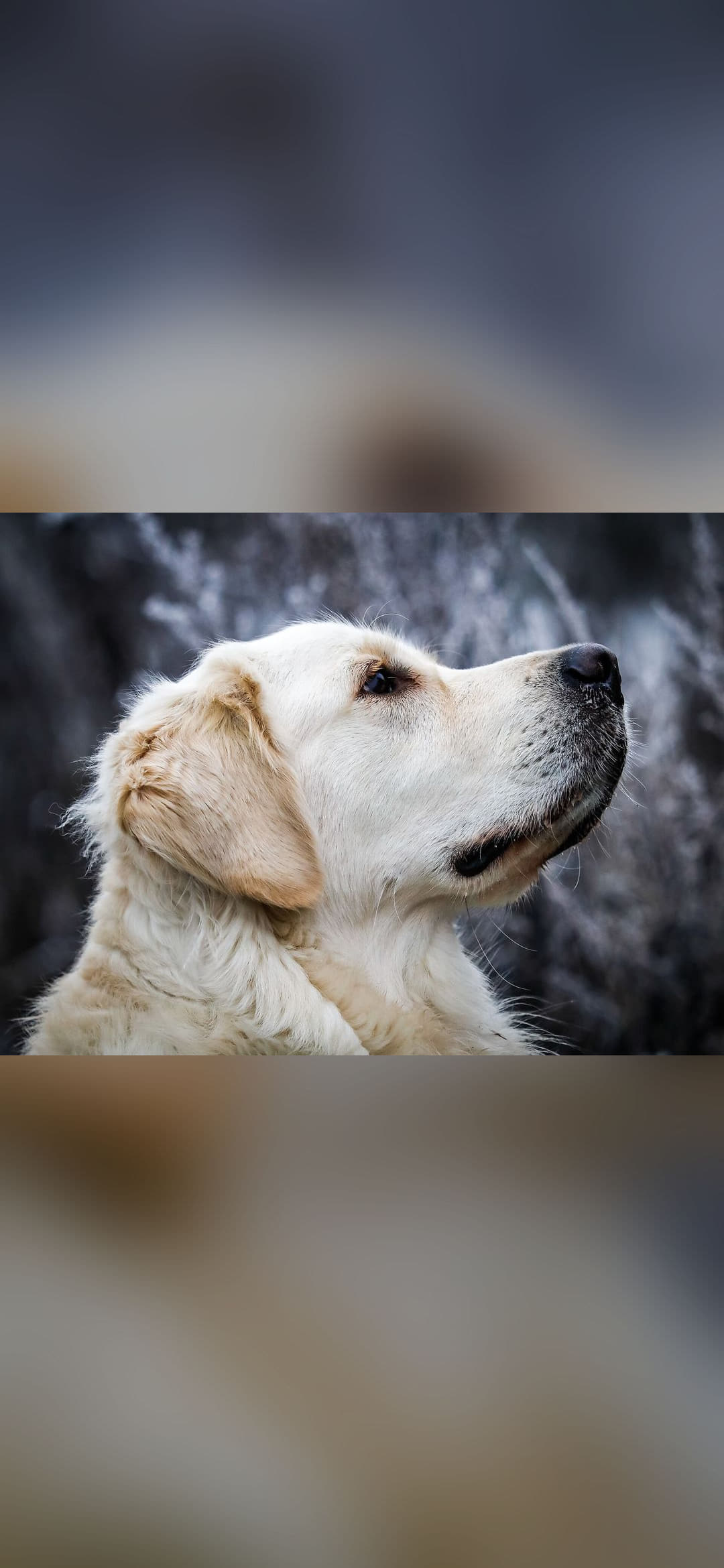
This page gathers 7 images from the Dog Wallpapers collection, prepared for the iPhone screen (19.5:9). Every one of them is vertical, in the 9:19.5 format current phones use, and nothing gets cropped away: the whole picture is kept and the empty space is covered with a blurred version of itself.
Every full file measures 1080 × 2340 pixels, and each card states the exact ratio of its own picture so you can check the framing before downloading. Your iPhone runs at 1179 × 2556 pixels, so the image is scaled down with no visible loss.
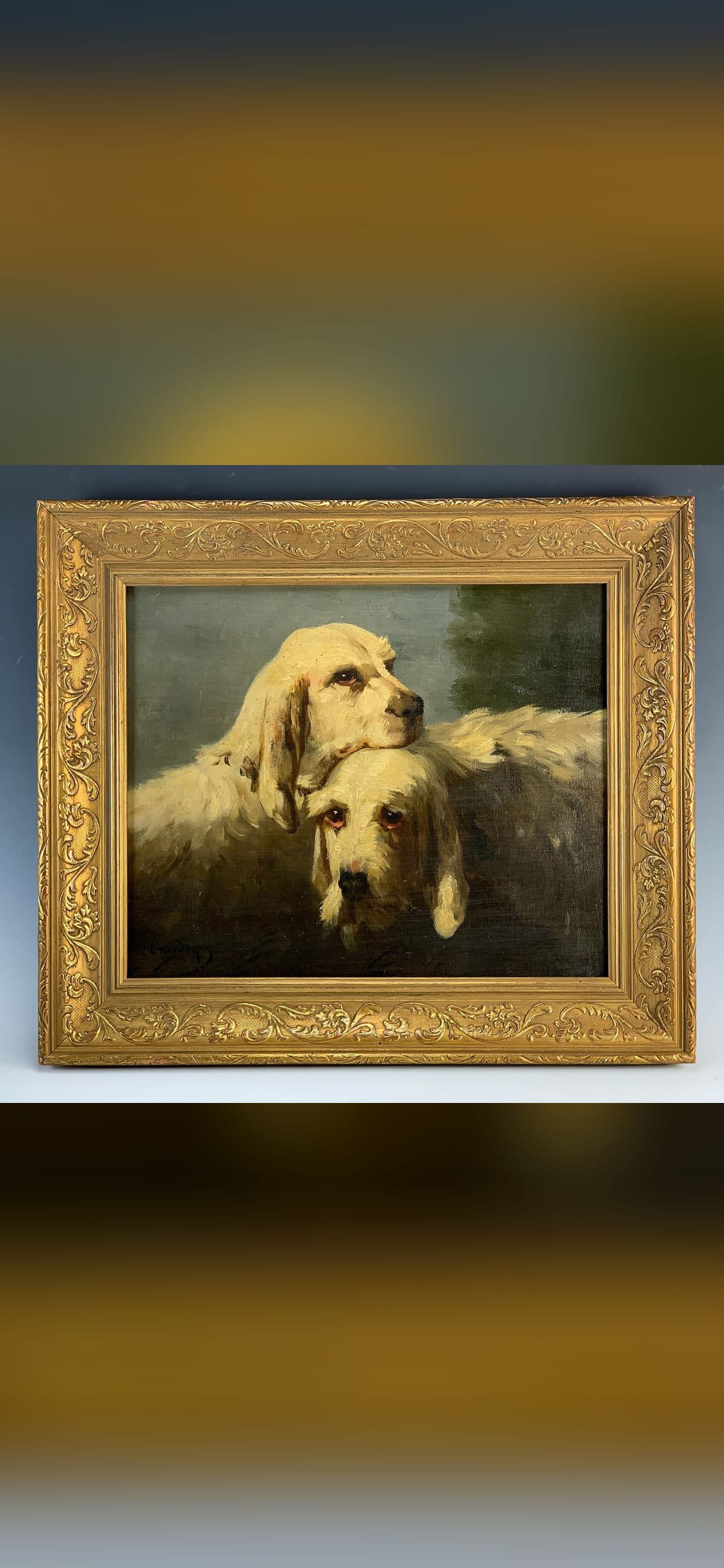
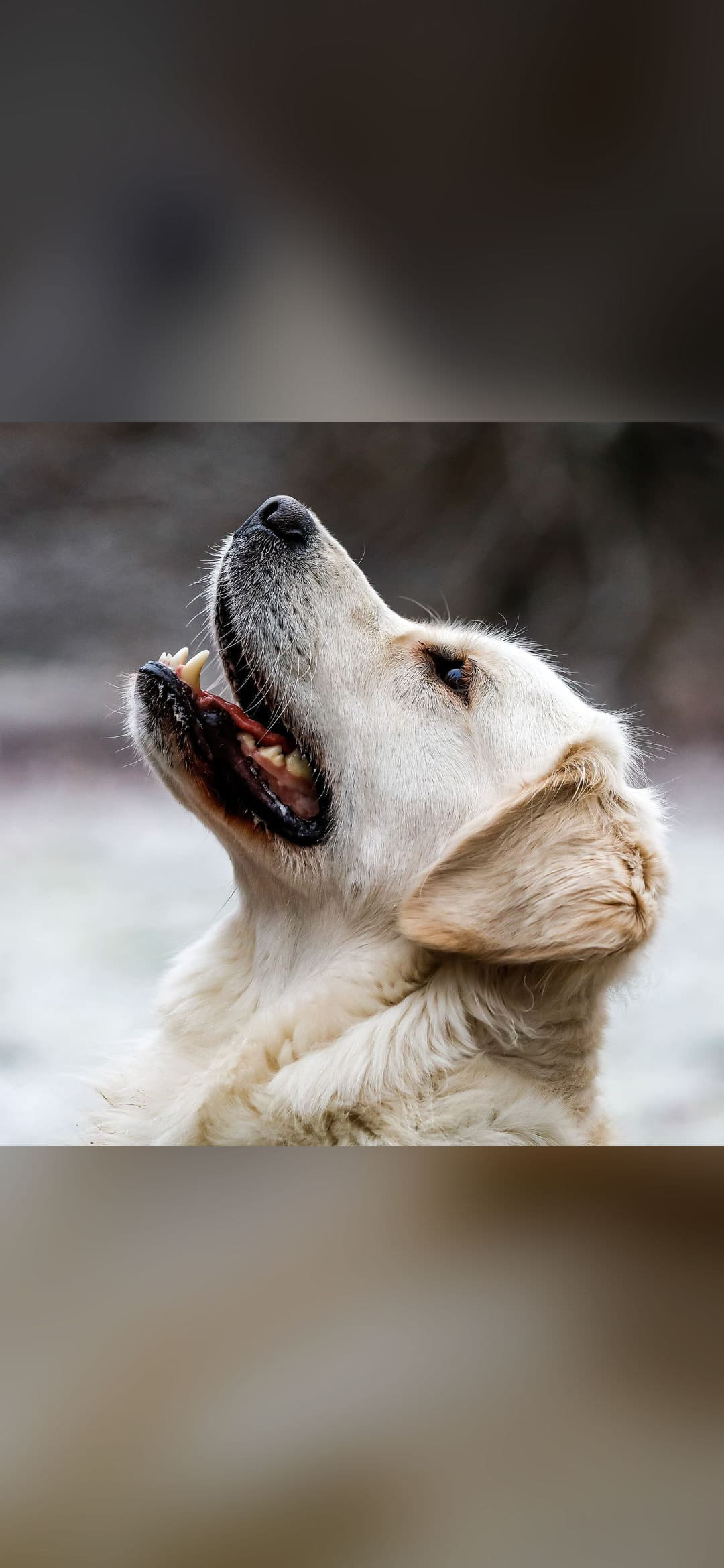
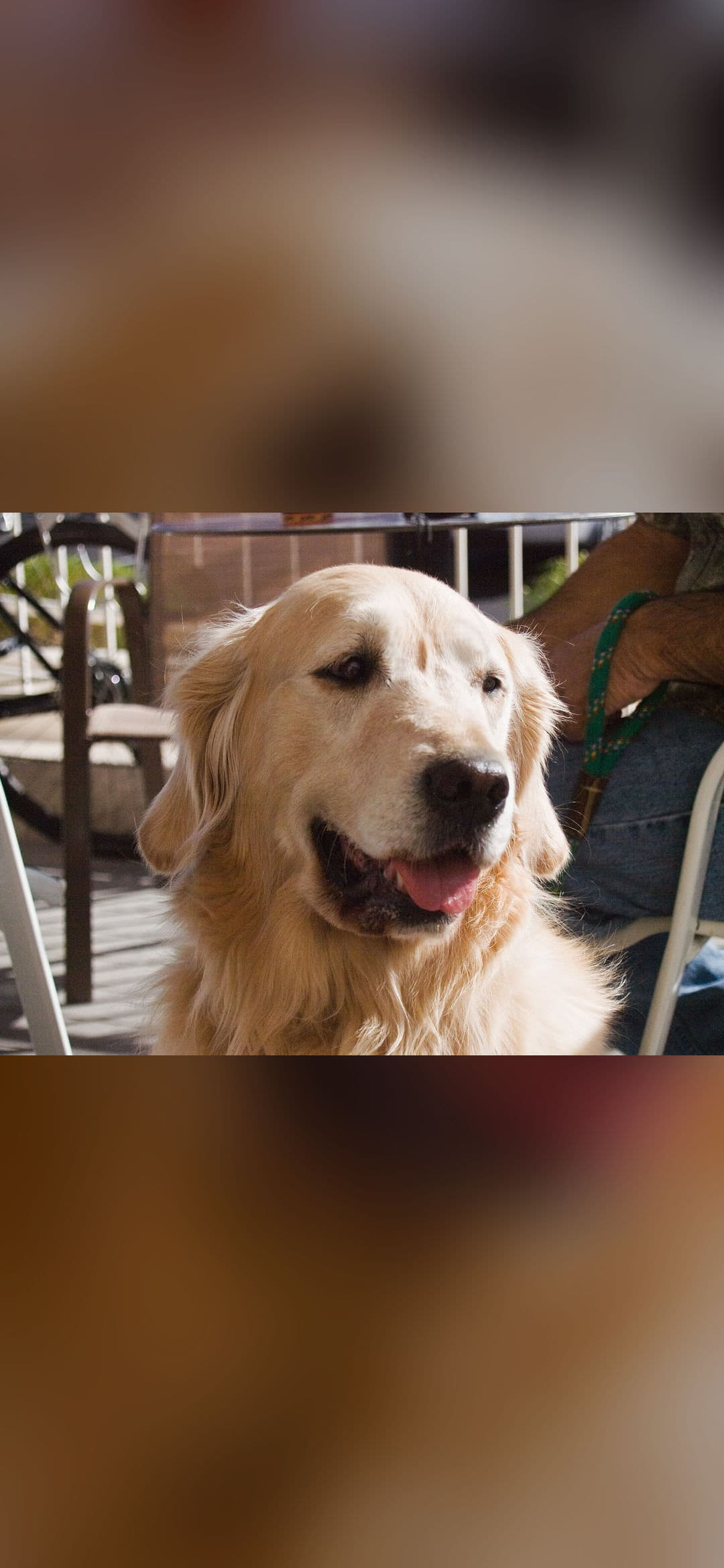
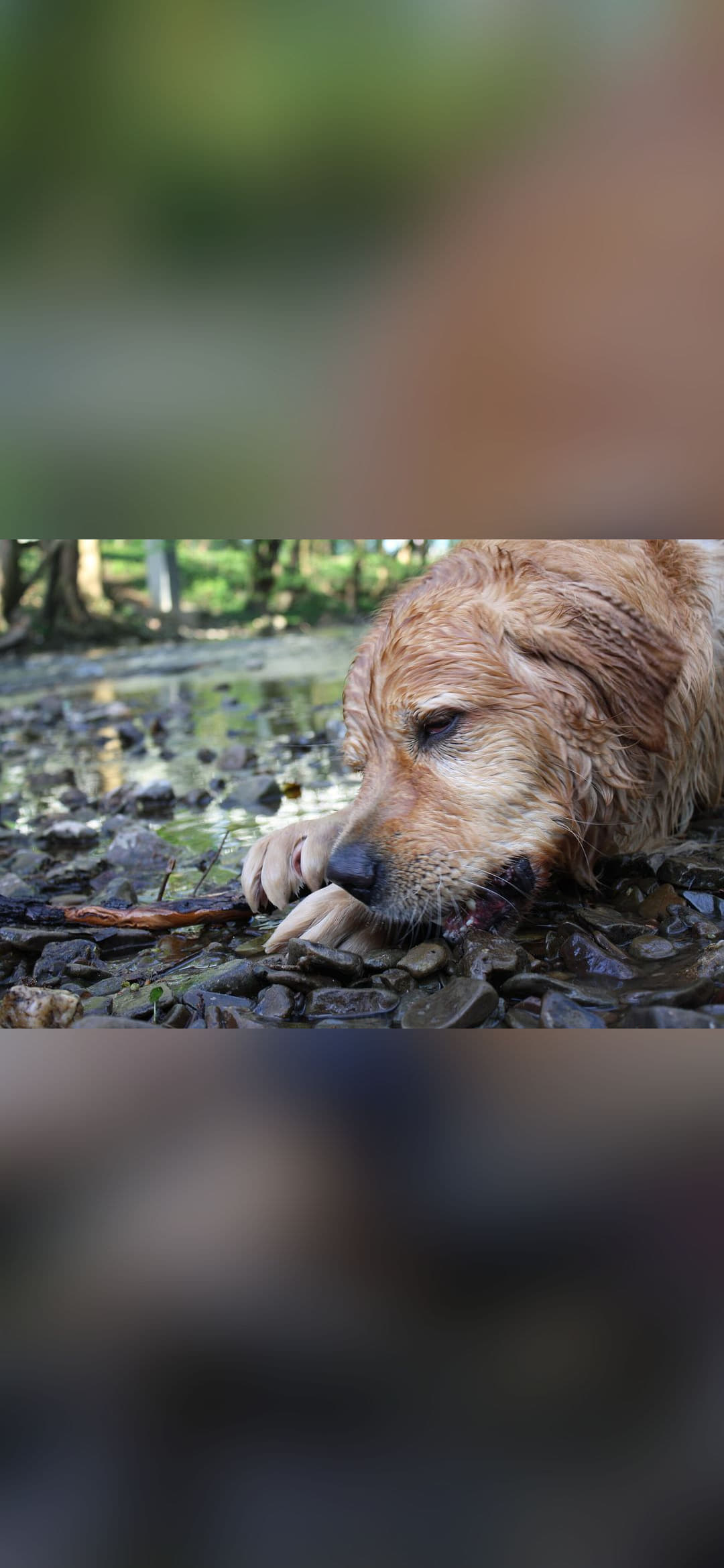
The list includes, among others, Dülmen, Hausdülmen, Golden Retriever 3, Jules Chardigny - Circa 1870s, ARIZONA, Wet Golden Retriever portrait.
Every picture below was checked for resolution, framing and compression artefacts before it was published, so what you download is the version you saw in the thumbnail. Open any card to see the full metadata, the licence and the download link.
All of the files are served from our own domain, which means they load fast, they can be indexed by Google Images and Bing Images, and they stay available even if the original source moves the file.
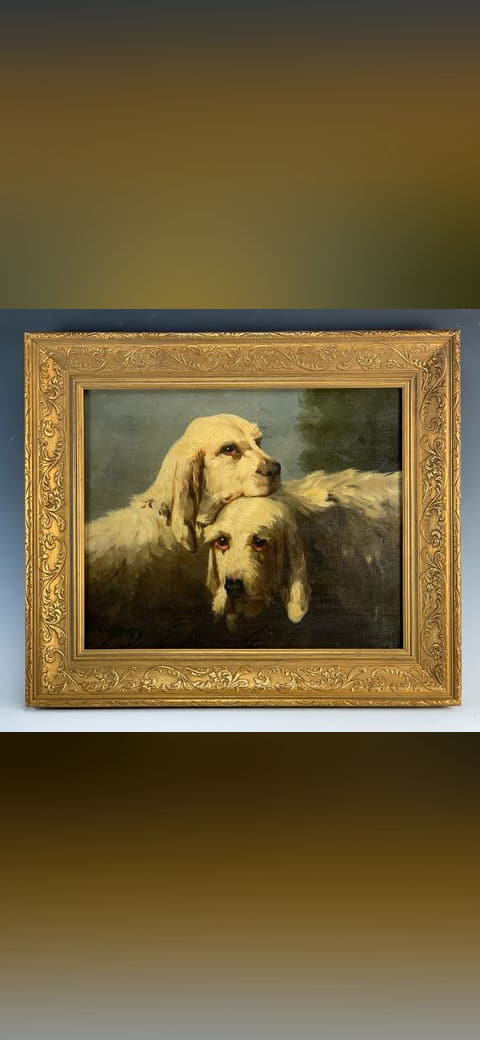
Jules Chardigny - Circa 1870s
Dog Wallpapers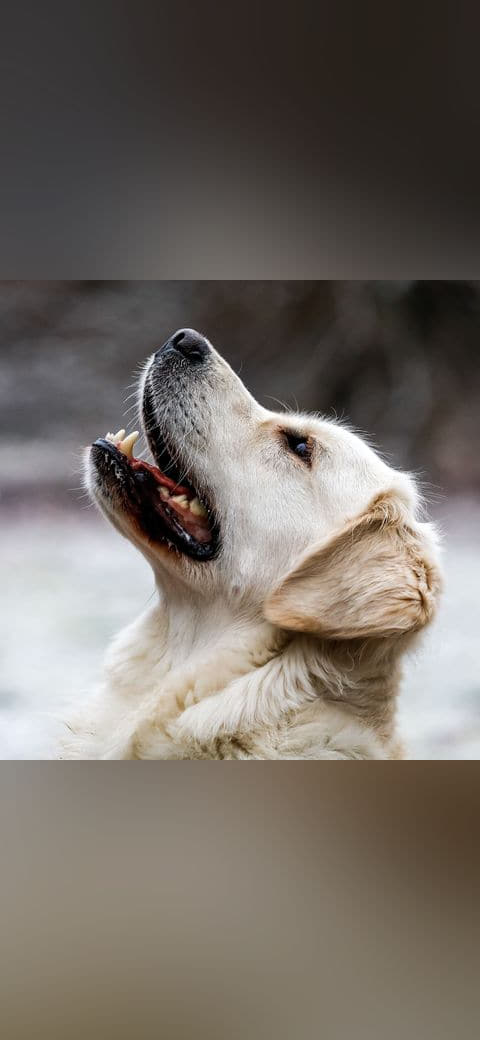
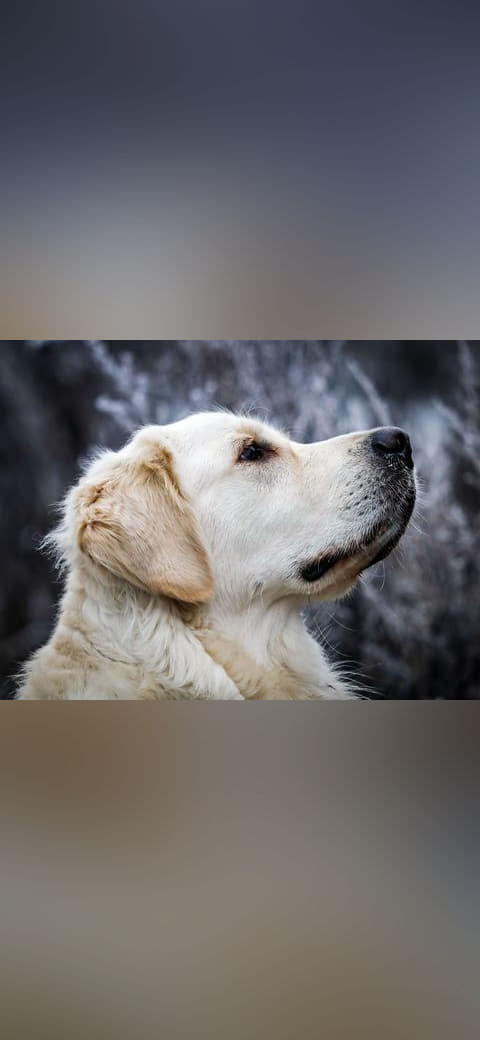
Dülmen, Hausdülmen, Golden Retriever
Dog Wallpapers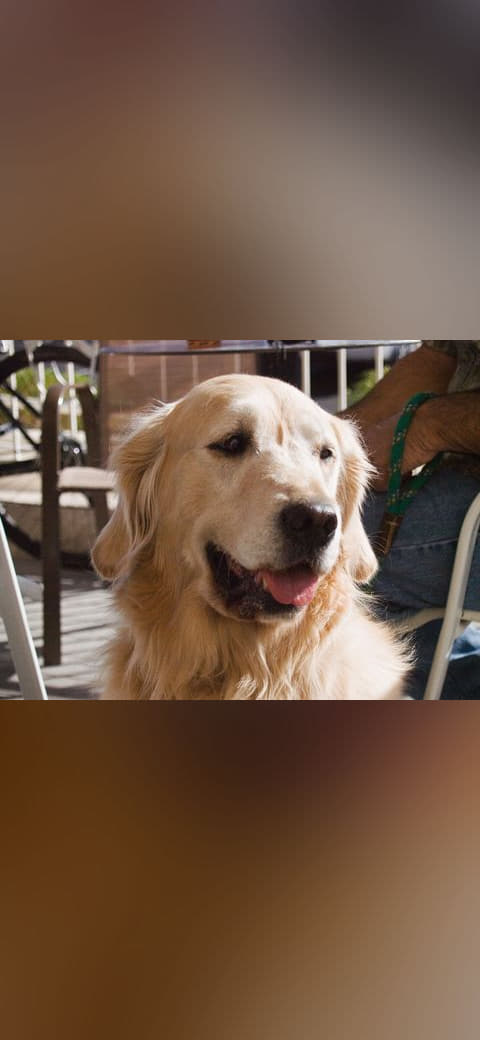
ARIZONA
Dog Wallpapers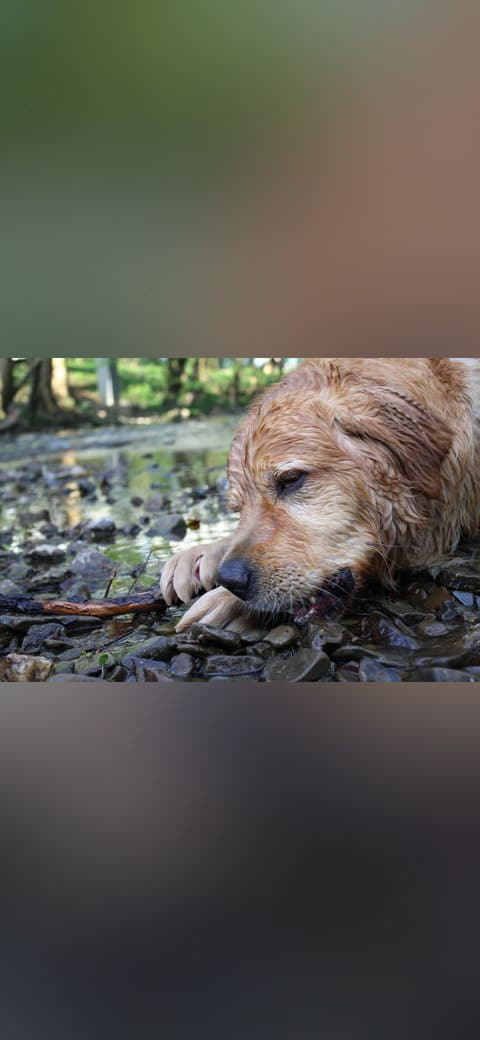
Wet Golden Retriever portrait
Dog Wallpapers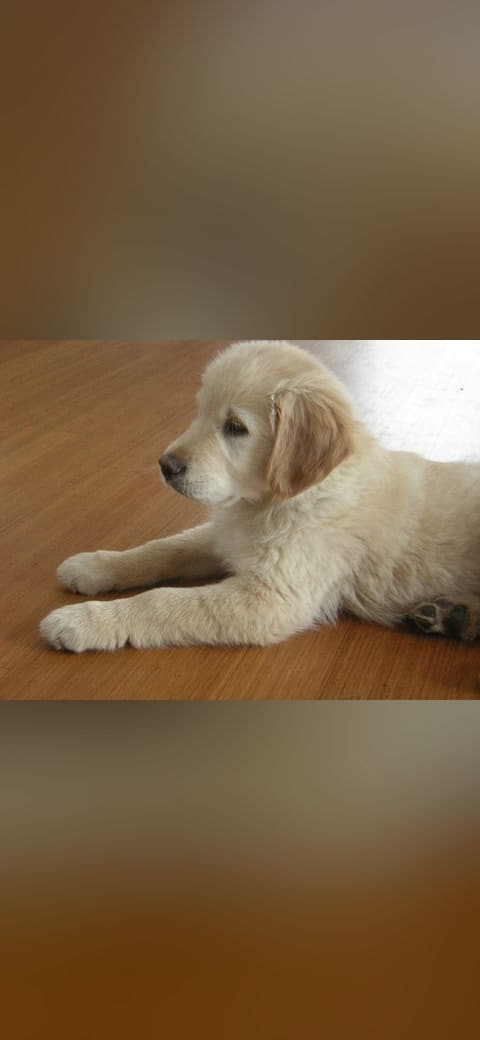
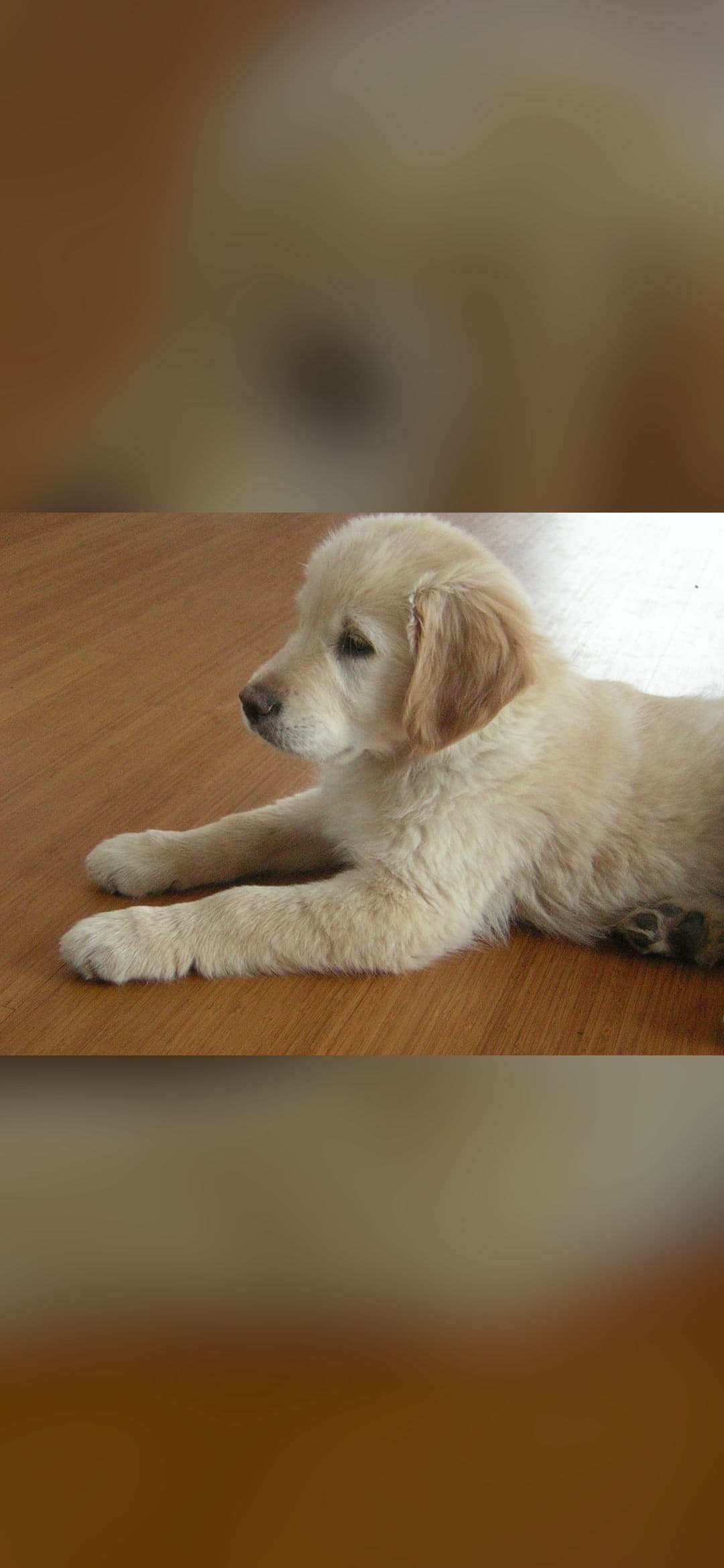
Golden Retriever 12weeks
Dog Wallpapers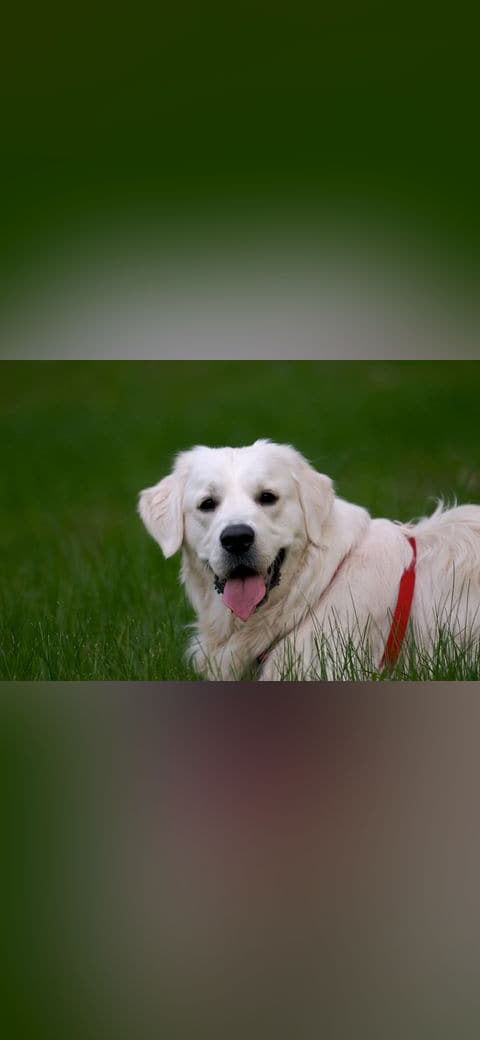
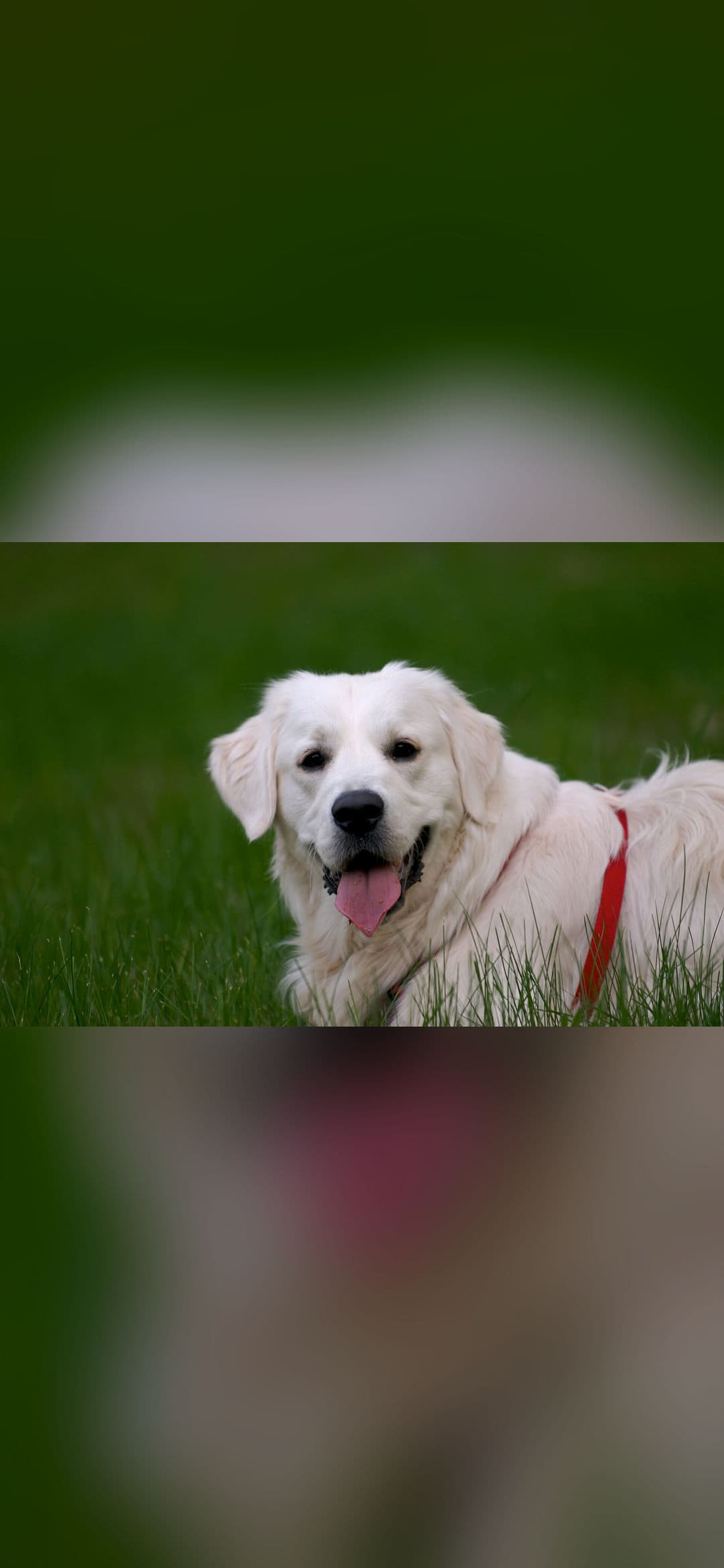
Golden Retriever English cream portrait
Dog WallpapersAdvertisement
How to set it
Open the download on your iPhone, tap the share button and choose "Add to Home Screen", then repeat it for the lock screen if you want a different picture on each. iOS scales the image to fill the screen and crops the overflow, which is why the portrait orientation of these files matters.
Styling tips
- Turn off the parallax effect in Settings → Wallpaper if you want the subject to stay exactly where you placed it; with a strong vertical composition the default motion can push the horizon out of frame.
- Pair it with a system accent colour that matches olive and charcoal so the wallpaper and the interface read as one design instead of two.
- Pair it with a low-contrast wallpaper on your phone so that app icons remain readable over the busiest part of the image.
Frequently asked questions
Do these wallpapers fit my device exactly?
They are published in the orientation the device uses, and each card lists its own exact pixel size and aspect ratio, so you can check the framing before you download. You can still set any of them on any other screen.
Is there a watermark or a download limit?
No watermark, no account and no download limit. Open the picture, press the download button and the file is yours.
Can I use these images commercially?
Personal use is always allowed. For anything you sell, check the licence listed on each image: every picture shows its author and its exact licence.
More in this collection
Every page below is a narrower cut of the same collection, filtered by device, theme or resolution.
Related wallpapers
View All Collections →
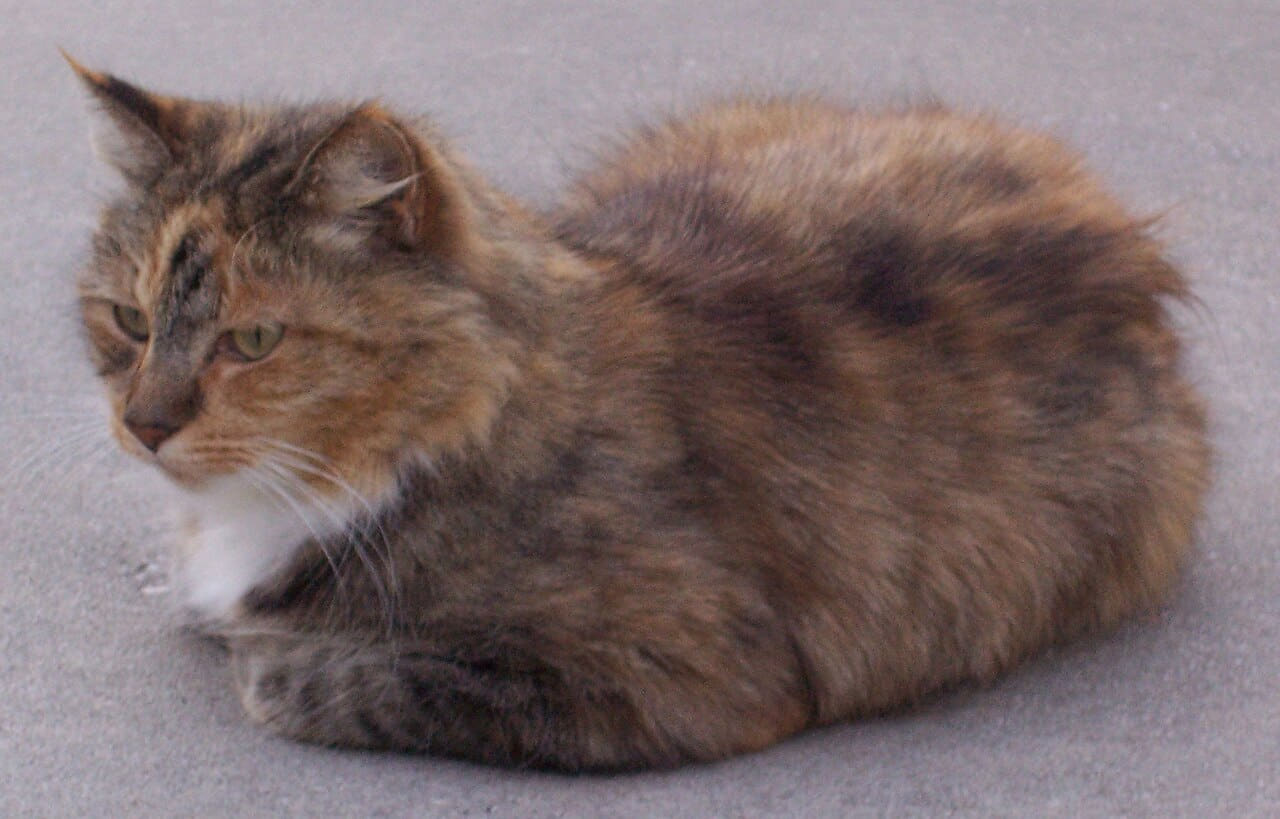
Cat Wallpapers
24 images
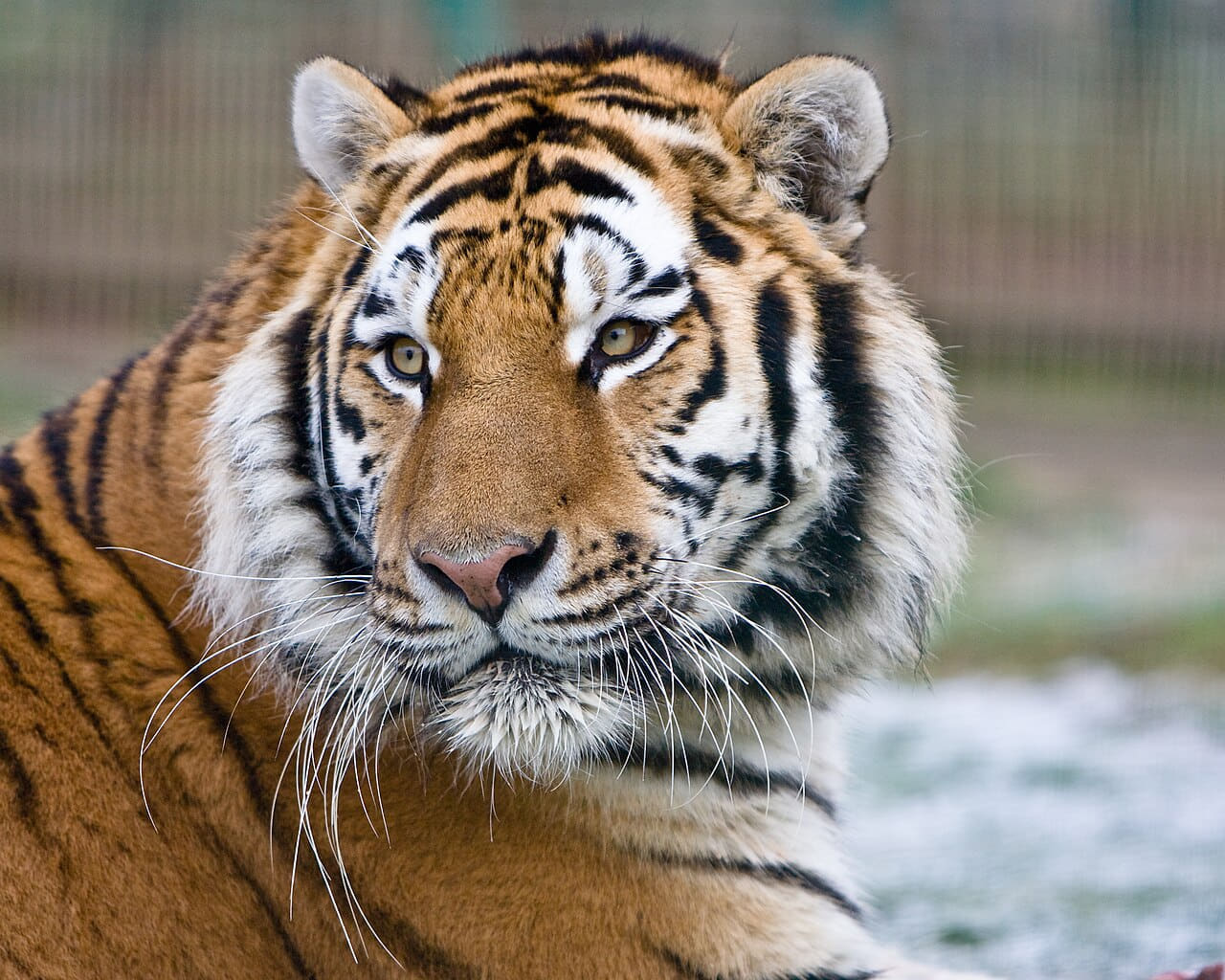
Animals & Wildlife Wallpapers
24 images
Cute Wallpapers
24 images
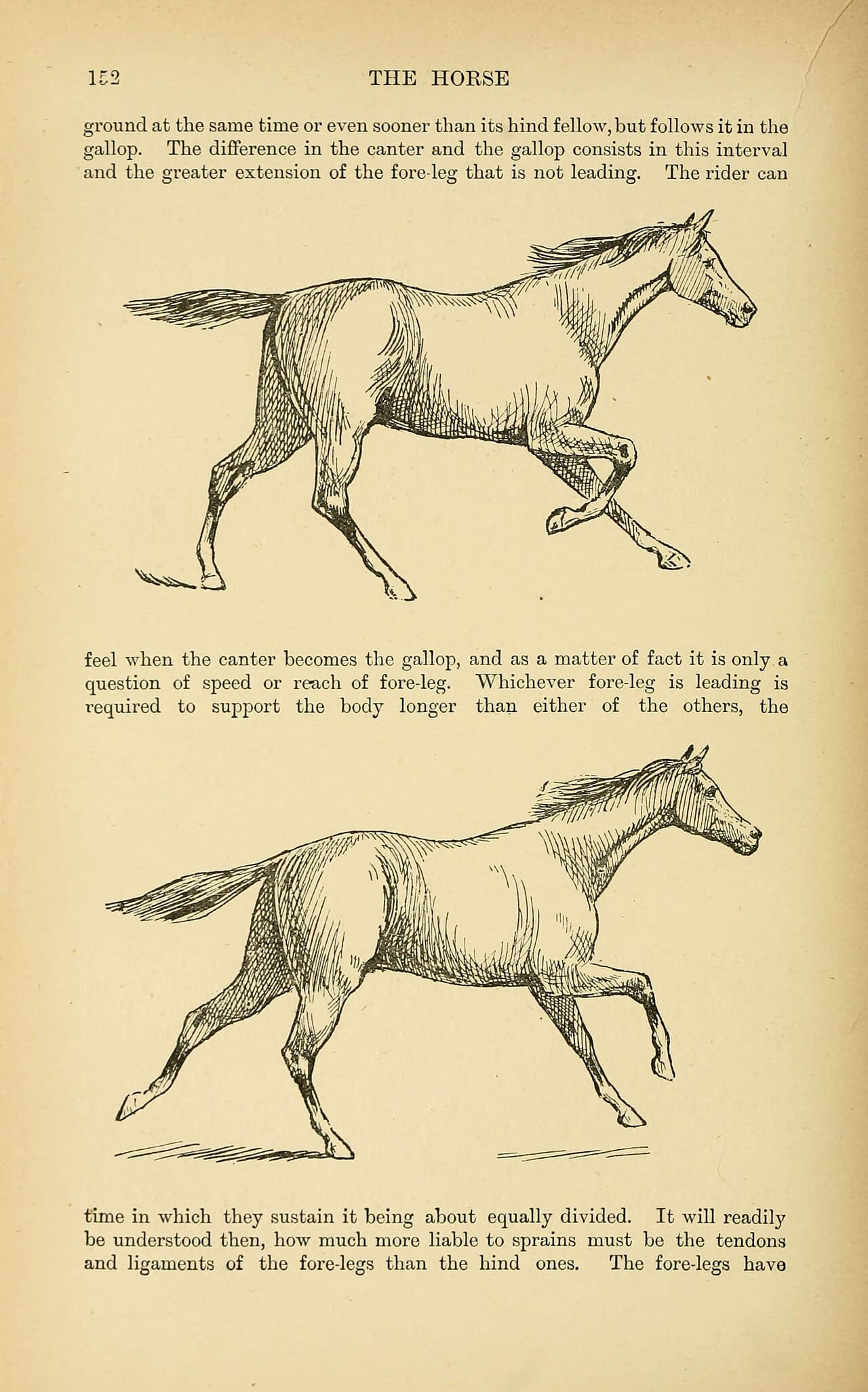
Horse Wallpapers
24 images
HD Quality
All images in high resolution, served from our own fast CDN.
Free Download
Download unlimited images for free, no account needed.
Regular Updates
New images added to every collection every week.
Easy Search
Filter by collection, tag, colour or device in a couple of clicks.